Fill party now fills empty spots right away, and members who stay home keep up with the expedition through training. In the Endless Labyrinth you can refresh recruit cards.
1.31.0Latest
Fill Party Fills Empty Spots Right Away
5 items
Tap Fill party and empty spots fill right away
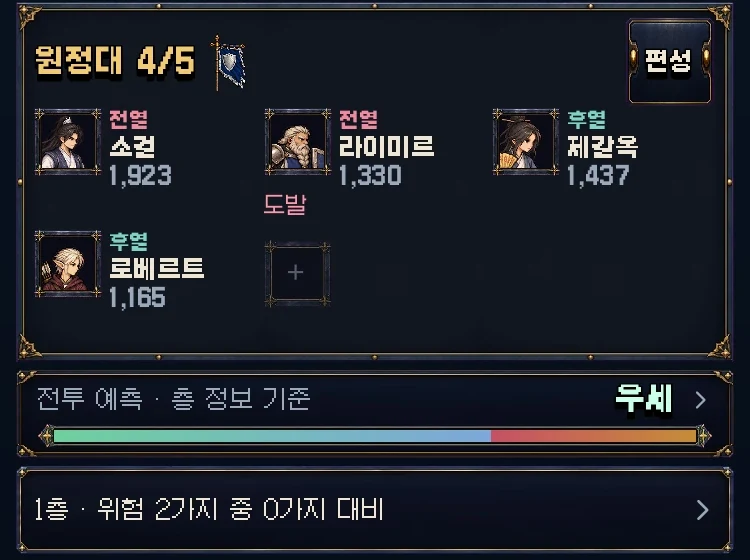
Tap Fill party on the tower prep screen and empty spots fill in candidate order with no picker. It used to only open the party window, so it was easy to set out with spots still empty
Members already placed keep their row (front or back). Only newcomers go to the recommended row
Use recommended now works outside the first guide. It sits at the top of the party window when there are empty spots and people to add, and it puts everyone back in the recommended layout
In the party window, a short tap on a member you already picked used to remove them with no warning. Now it works like tapping a slot on the board: you pick that slot, then move, remove or view that member
During the apprentice course, the recruit unlock banner showed Sylvaine's face and name before she had joined. It now shows a Just opened · Recruit banner instead
Training Growth
4 items
A Training line on the weekly report
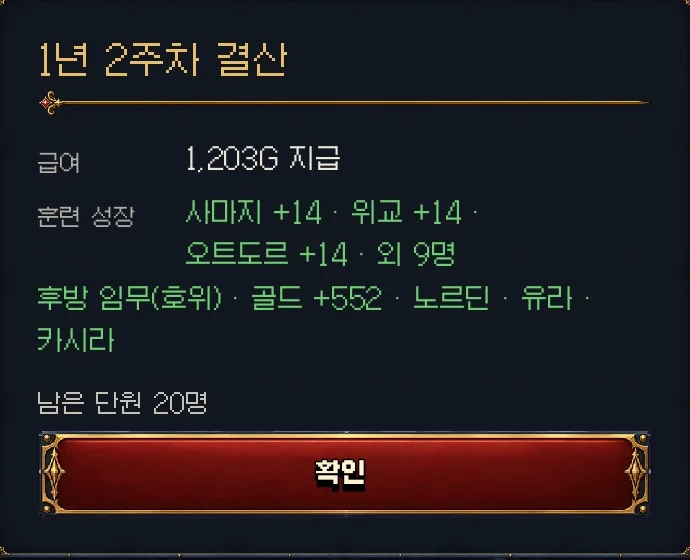
Experience from training now grows with your highest floor. A week of training is worth half the experience of one floor at your highest floor, times your facility bonus, and it never drops below the old amount on low floors
Members who skip expeditions catch up with the expedition party within a few weeks. Members who went out that week, and members already at their potential, train as before
The weekly report has a new Training line that shows who grew the most from training
When training raises a member's stats, their weekly pay goes up too
Cure Bad Traits from Member Details
2 items
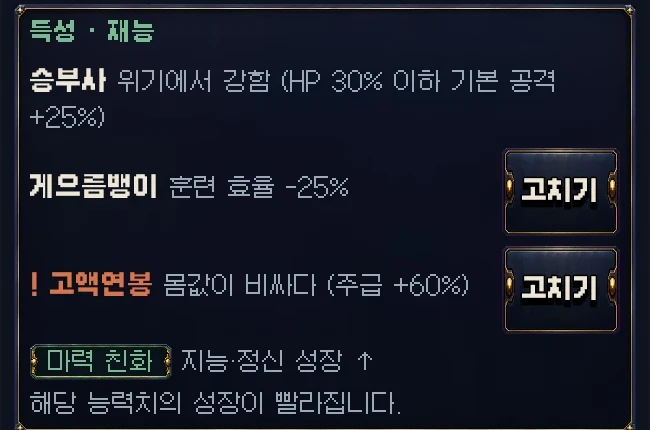
Cure a bad trait right from its line
In a member's Record, tap Cure next to a bad trait to cure that trait right there. The confirm window shows the cost
Below floor 400 the same spot shows From floor 400. Curing from Spend shards in the Abyss still works too
Labyrinth Refresh and Recruit Ledger
6 items
A Refresh button at the bottom of recruit cards
Recruit cards between floors now have a ⟳ Refresh button at the bottom. Tap it and only that card brings in someone else. The other two cards stay
You can refresh three times per run, and the button shows how many are left. The Weekly Labyrinth works the same way
Someone refreshed away stays out only for that run and is a candidate again next run. Open Rules on the first screen to see this line
The button does not appear while you are picking who gets a card or when you have none left
Opening the Labyrinth only adds members from every slot to the Labyrinth ledger. Deleting a slot, retiring a member or losing one no longer shrinks the candidates, so there is no need to retire members or delete saves to meet someone
The same person only changes to a new version when you meet them again with higher potential
Climbing the Four Towers Again
4 items
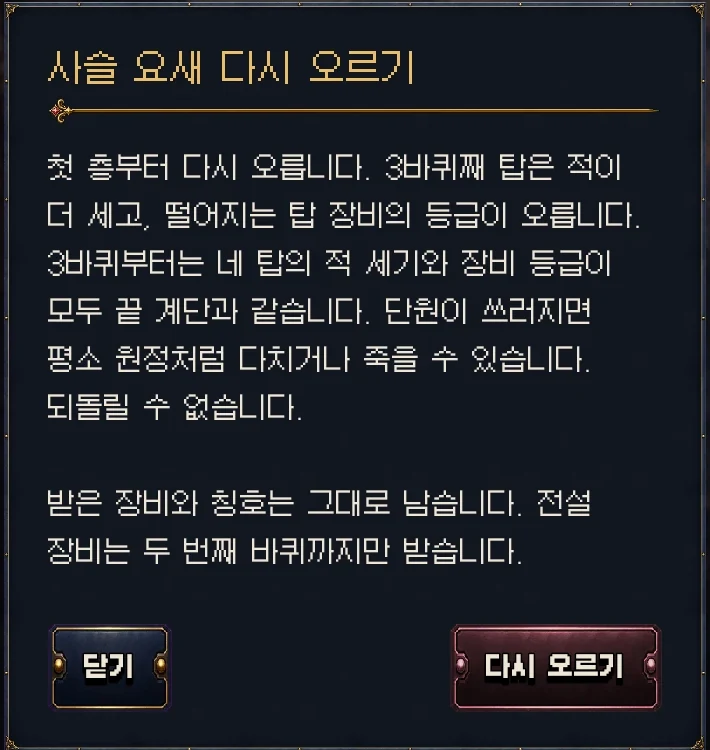
The Climb again window explains the lap rule
Enemies now grow 5% stronger per lap instead of 10%. Growth stops at lap 6, the same lap where gear bonuses stop
From lap 3, all four towers share the enemy strength and tower gear grade of the final stair. Any tower gives gear of the same grade
Gear you got earlier keeps the stats and grade it had when you got it
The Climb again window tells you which lap it is and explains this rule
Automatic Progress Backup
5 items
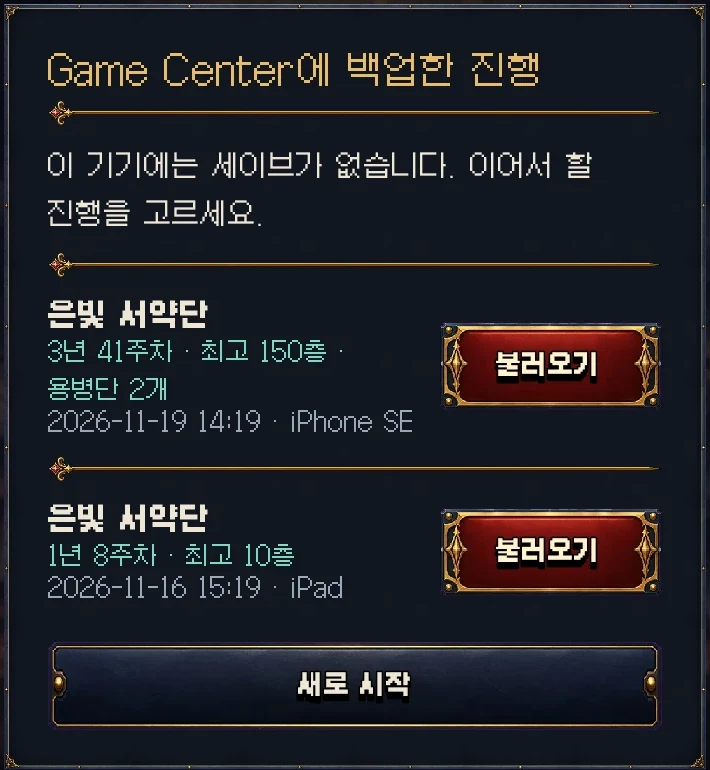
Pick a backed-up save on a new device
Stay signed in to your game account and your three slots and Endless Labyrinth records back up on their own. Backups happen when a week passes, when the app goes to the background and right after you sign in
After you delete and reinstall the app, or the first time you open it on a new device, you can load your progress from the title screen. If there are several backups, pick one by guild name, week, highest floor and the device that saved it
If the device already has any save, the game does not ask, and it never overwrites a save on the device
Without an internet connection the game keeps running and does not wait for a backup
The game account line at the bottom of Settings > General now also mentions Progress backup
iPad and Tablet Landscape
3 items
On an iPad in landscape, the bundle description and price in the Shop's Named tab could stack one letter per line. Fixed. Tiles now return to their proper width after you rotate the screen or resize the window
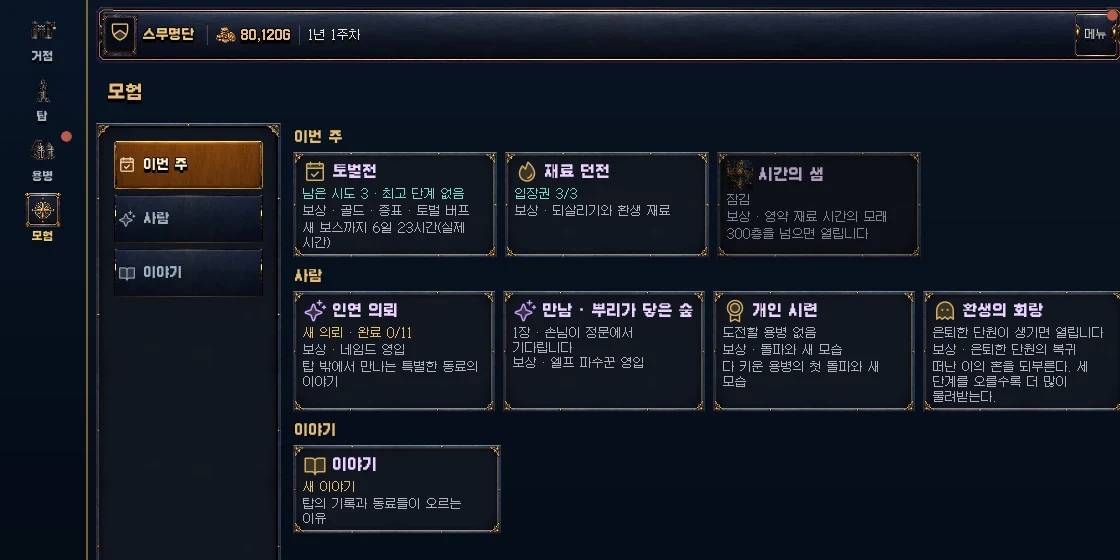
Fixed the Adventure tab looking empty in landscape on iPads and tablets
Fixed No generation lord defeated yet stacking one letter per line in the Abyss section of the Records codex in landscape
Named tiles in the landscape Shop at full widthThe Adventure tab shows again in landscape
Fixed
4 items
The Outpowered tip and the wipe report gave different advice. When you have no answer to a hazard, both now tell you to change the party before the gear. Results lost on combat-axis floors above 101 no longer mention a missing answer
After Last Stand revives your party, the warning that badly wounded members can die if you lose again was hidden behind the buttons on small screens. It now shows inside the result card
In the codex class panel, skill descriptions could stack one letter per line in languages with long skill names, such as German
Polished two English lines: the backed-up guild count and the Labyrinth refresh rule
 Tower & Mercenaries