The stall before the result screen is gone, and expedition prep has a new layout. Leave the expedition results for another tab and the return wraps up on its own, and gear picks now follow Power alone.
1.28.1
Moving to the Result Screen
2 items
The screen dims at once and the results rise up
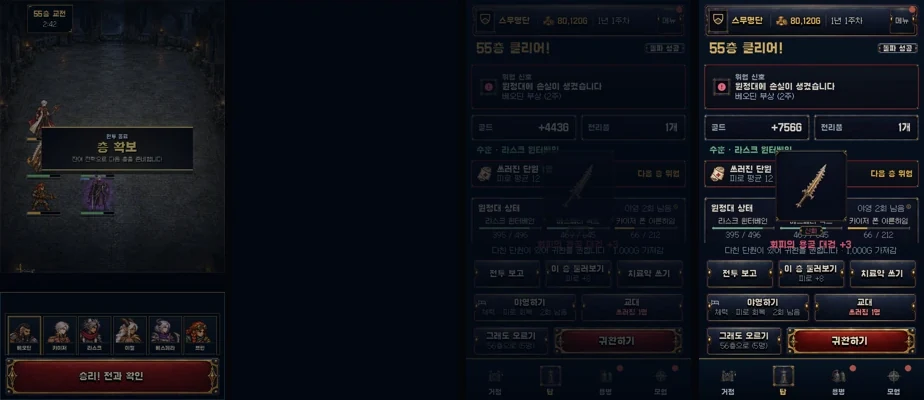
The finished battle used to freeze for a moment right before the results. Now the screen dims as soon as you tap, and the results rise up over it
Fast climbs leave this transition out and move on as quickly as before
Coming Back from an Expedition
2 items
Leave the results for another tab and the week moves on
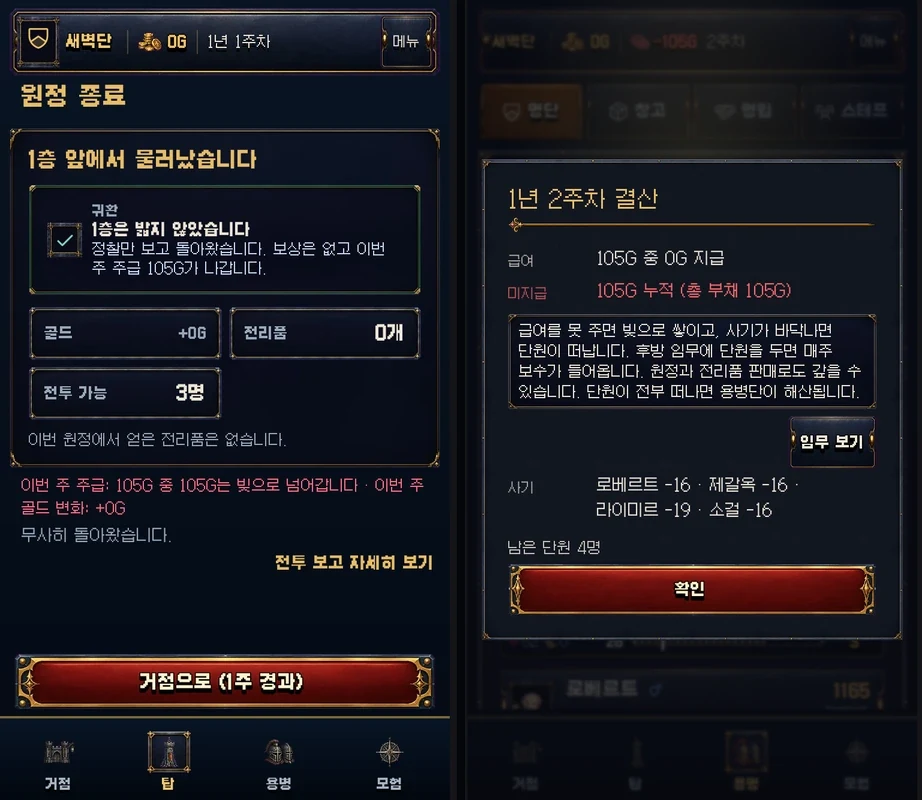
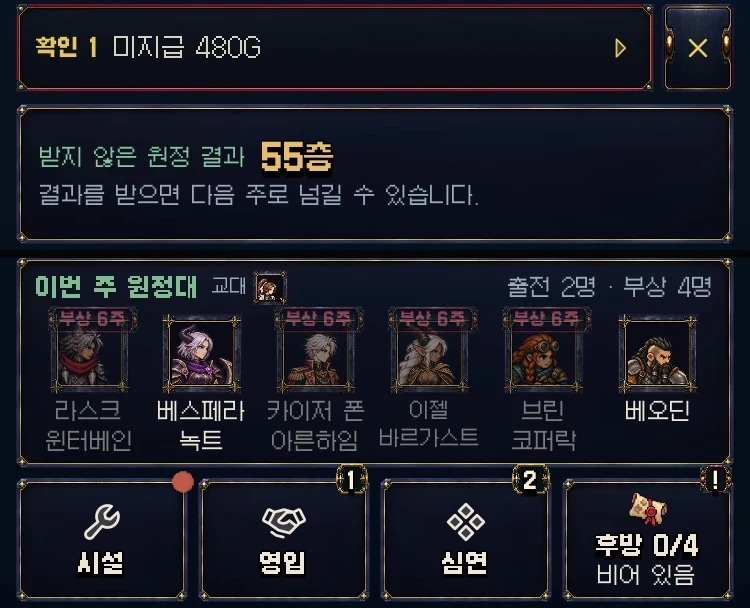
After you see the expedition results, moving to the Mercs, Base or Adventure tab finishes the return and a week passes. You no longer need to tap Back to base again
Moving to the Base tab opens the Base map, the same as Back to base
Skip Floors You Clearly Win
2 items
Skip works on a first climb when you clearly win
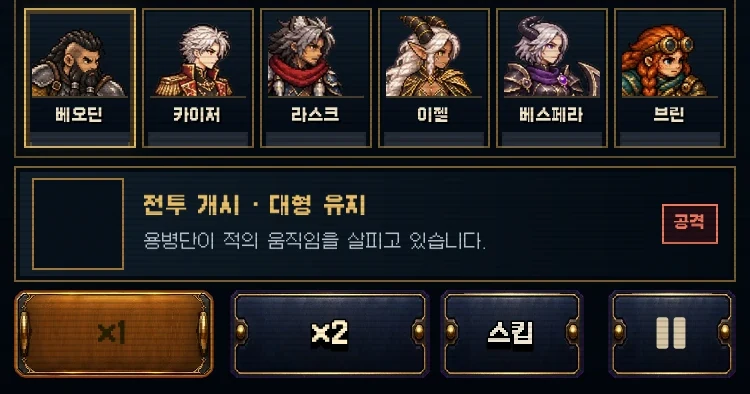
When scouting shows no warning and your side is far ahead, Skip shows the result at once, even on a floor you climb for the first time. Before, only cleared floors could be skipped
The battle result stays the same. Only the wait is shorter
First Day Guide
2 items
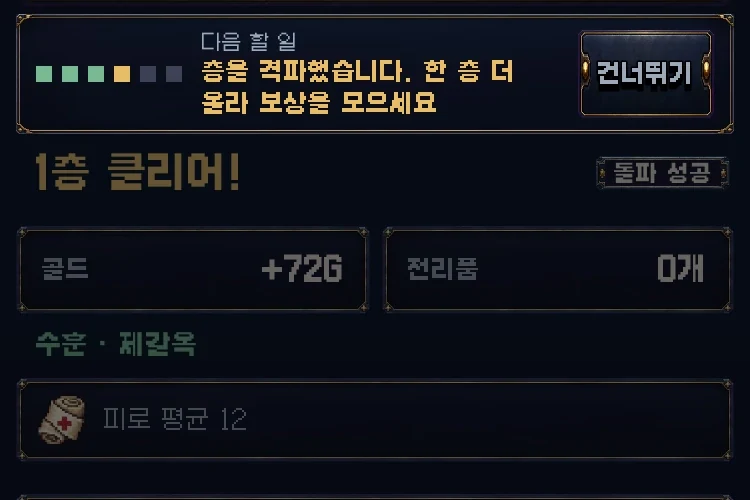
After floor 1 the guide says to climb one more
The first day guide used to suggest returning right after floor 1, which left the first week short on gold. It now suggests returning after floor 3
If a member gets hurt or falls, it suggests returning at once, whatever the floor
Expedition Prep
7 items
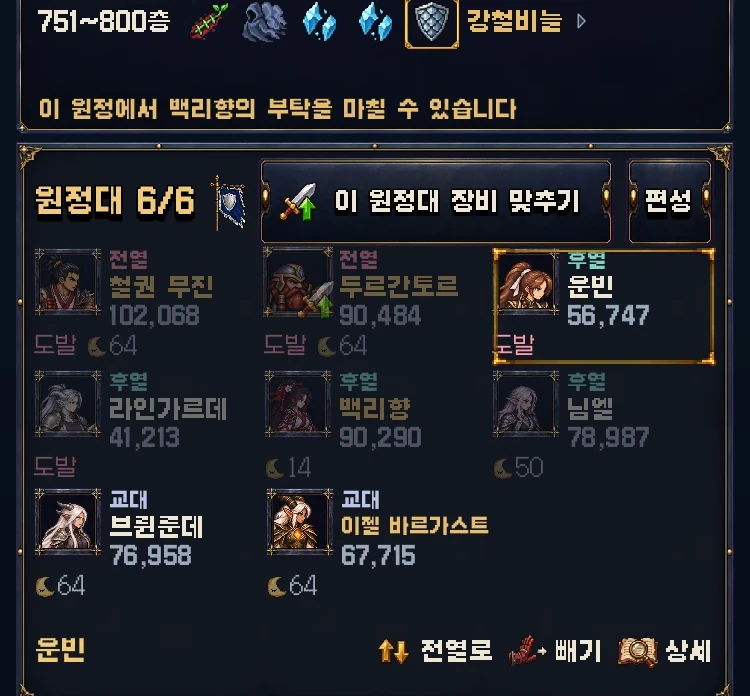
Tap a slot to pick a member, then move or remove them from the bar below
The party now sits in a grid of three slots per row. Slots keep the same shape however many members stand in the front and back rows, and the name, Power, and Taunt and fatigue marks always sit on the same lines
Tap a slot to pick that member, then use To front, To back, Remove or Details in the bar below. Before, a tap moved the member at once, unlike the formation sheet
Relief members show in the same slots. Tap one to look them over
The floor range row now names that zone's trait. Tap it to open the zone details
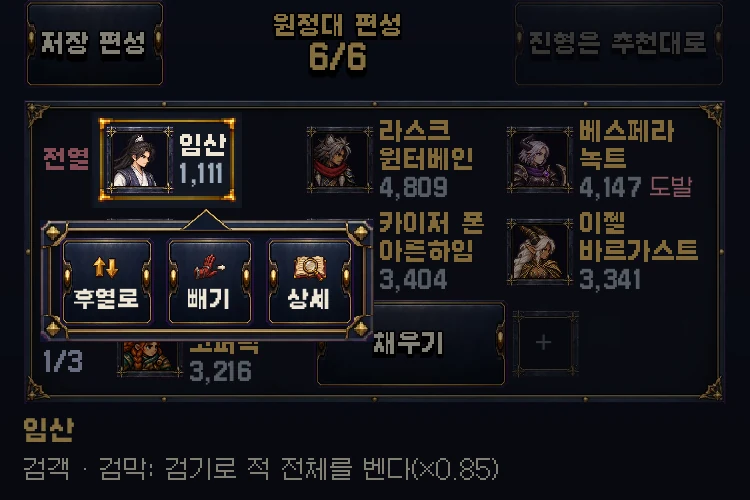
Tap a slot in the formation sheet to move, remove or view
In the formation sheet, tapping a slot at the top now opens a bubble next to it with To front/To back, Remove and Details. Before, nothing told you that tapping a slot was how to remove someone
Relief slots open the same bubble and no longer remove the member at once. Tap outside to close it
Tapping a roster card when the party is full now says to tap a slot above and use Remove first
Front and Back Row Advice
4 items
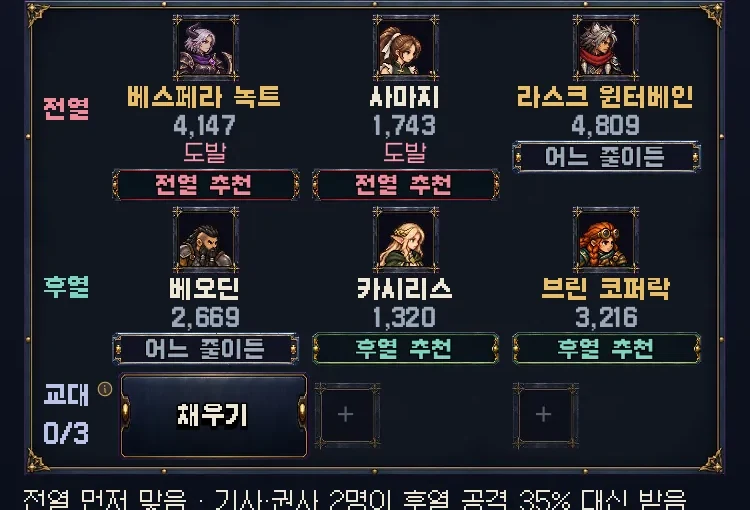
Melee damage dealers show Either row, and Auto-arrange puts three in front
Warriors, Swordmasters, Swordsmen, Berserkers, Lancers, Reapers, Bladedancers and Blacksmiths now show Either row. In our tests they won just as often from the back row and fell less often
Best in front now marks only guard classes that draw enemies to them: Knight, Monk, Warden, Chain Fighter and Demonface Warrior
Auto-arrange fills a front row of three for parties of five or six, and two for parties of four. Guards go first, and your toughest Either row members fill the rest. A Best in back class steps forward only when the front row would be empty
Member details, recruiting and the shop use the same advice, and the Warrior, Bladedancer and Blacksmith descriptions no longer name a row
Gear Swap
3 items
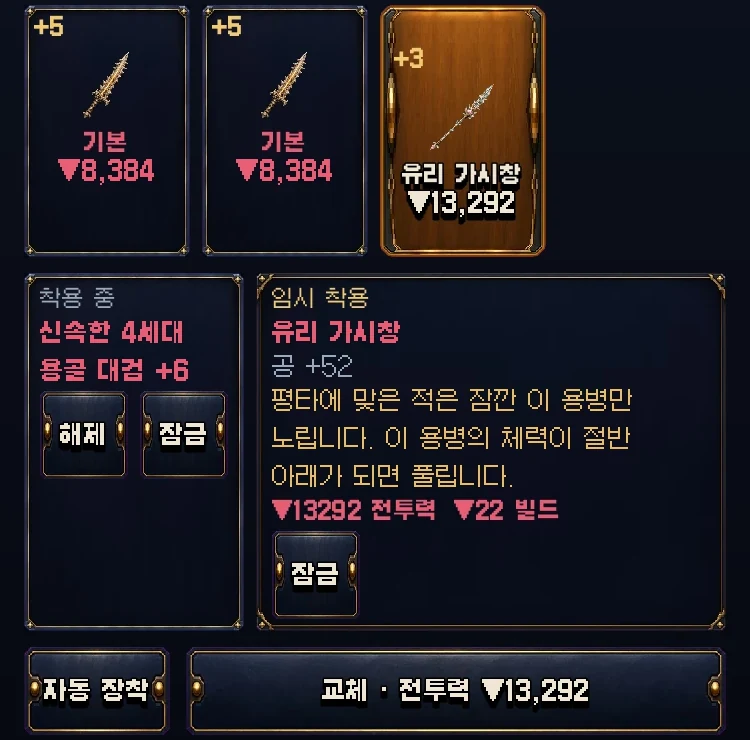
The picked gear's text stays above the button row
On small screens, picking gear near the bottom meant scrolling back up to read it. Now the Equipped and Trying on cards stay right above the button row, so the picked gear's text and Legendary effect are always in view. We changed it after a suggestion on the community board
In languages with long text, scroll inside the card to read to the end
Change Gear for a member on an expedition is now view only. The Trying on card and the Swap and Unequip buttons are gone, and On expedition shows once at the top
Picking Gear
8 items
Relic slots name the mutation each relic blocks
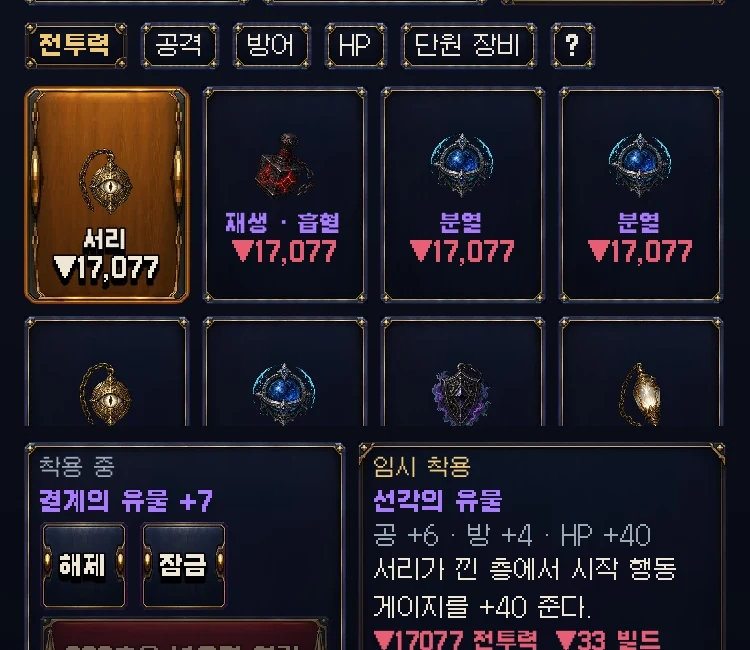
Top Build now marks only gear that raises Power. It picks from the gear that comes close to the biggest Power gain
To keep in Tidy the stash also goes by Power. Before, it could keep gear that lowered that member's Power
The Trying on card no longer has Enhance and Lock buttons. Enhance an equipped relic from the Equipped card
Relic slots now name the floor mutation that relic blocks, so you know where it helps
Comparison numbers stay the same whatever the member's fatigue
Locked enhancement now says which floor opens it
The line "Build goes up: a better fit for this role" no longer shows next to gear that lowers Power. It went against the help text that puts Power first. The ▲ and ▼ marks stay
When you build a party around a newly recruited hero, Gear Up This Party also takes gear from resting members. It asks before taking anything
Base Banners
2 items
One banner at a time, and the tiles stay in view
The banners at the top of the Base show one line at a time. Warnings come first, and the next banner shows once you close it
On small screens, several banners no longer cover the Facilities and Recruit tiles
Mukran's Black Orchid Needle
2 items
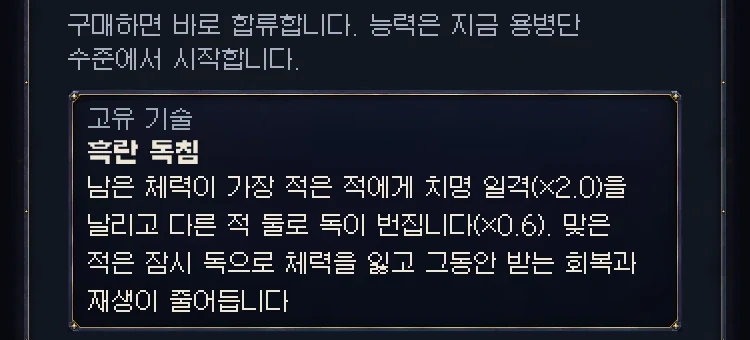
Black Orchid Needle targets the enemy with the least HP left
Black Orchid Needle now targets the enemy with the least HP left. We changed it after a suggestion on the community board
With the new target we lowered its multiplier a little. Battles end about the same as before or a little better
Plum in the Snow Look
2 items
Code-only looks show Redeem code
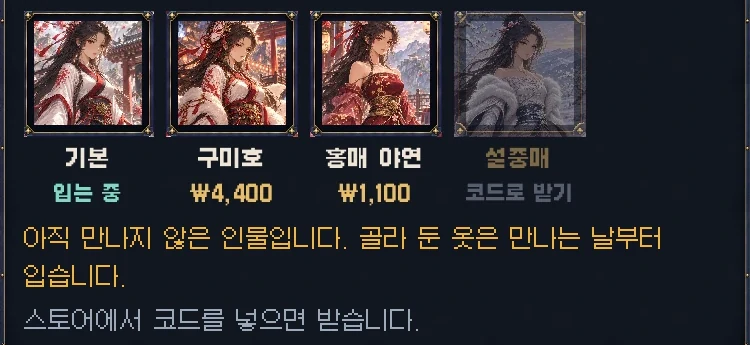
Baekrihyang's community gift look drops "Community" from its name and is now called Plum in the Snow
Looks you can only get with a code now show Redeem code in place of Ended in the shop's Looks tab. Pick one to see how to get it
Fixed
20 items
One tap on a close button in sheets such as the Wardrobe, or on Restart in Settings, giving two vibrations and two sounds
Signature skill text in a paid hero's shop details getting cut off before the end
Base banners for new features coming back the next week
The Next Week button text getting cut off in German, French and Portuguese
No front row showing twice in the party check
The gear swap screen giving the wrong message during an expedition or before you collect results
Opening gear swap for a member on an expedition pushing the cards and buttons off screen
The "Equipped by" line getting cut off at the bottom of a long Trying on card. It now sits right under the name
The Wardrobe season name in Japanese reading 公式カフェ. It now reads 公式コミュニティ
Long tower names getting cut off in landscape
Players with several paid heroes having to close each waiting-to-join notice one by one at start. Now you can bring them all in or close them at once
Looks redeemed with a store code not showing up until you restarted the game. They now arrive shortly after you return to the game, and opening the Looks sheet or the Wardrobe checks again
Attack, defense and HP in member details and Change Gear showing lower than the party status. The loot message during an expedition and the log tab name in the return summary now match what you can do
Broken Korean particles after names in the chronicle and floor logs
The This Floor tab during an expedition showing a Mythic find from an earlier floor
The Change Gear hint suggesting Unequip waits for Swap
The rename pencil getting cut off in member details for lifelong companions and long names
Returning after Retry on a floor you lost and got back up from, with the result saying you only scouted
The departure tip sending you to recruiting when a healer was already on your roster. It now opens the party lineup
Gear cards and the Swap button showing different Power changes when another slot was being tried on
 Tower & Mercenaries